
Configure multiple devices
Please note that this is a Premium plan feature
- Open a web browser (on a computer) and Log in to your Fishbowl account.
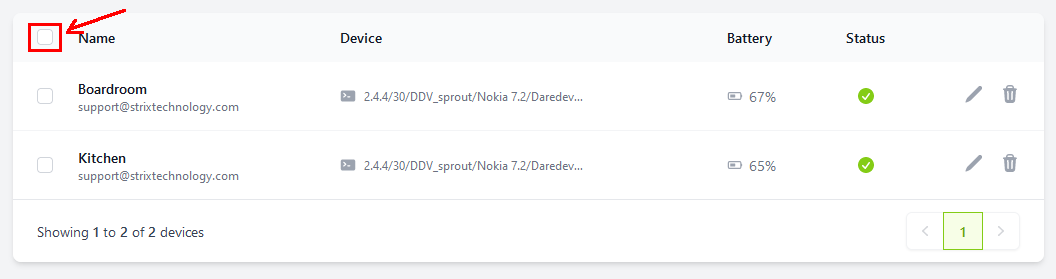
- After signing in, you will see a list of all your linked devices. Click on the empty checkbox in the top left corner to select all, or select individual devices by checking their boxes.
- Click on
Edit Selected.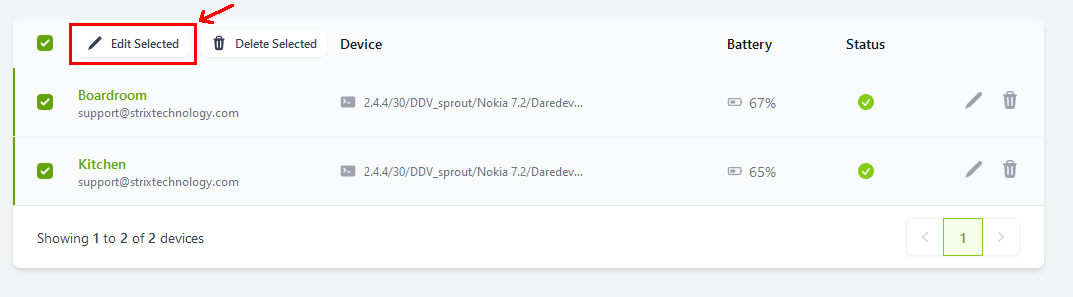
- A popup will appear. Expand the relevant sections by clicking on the
+buttons.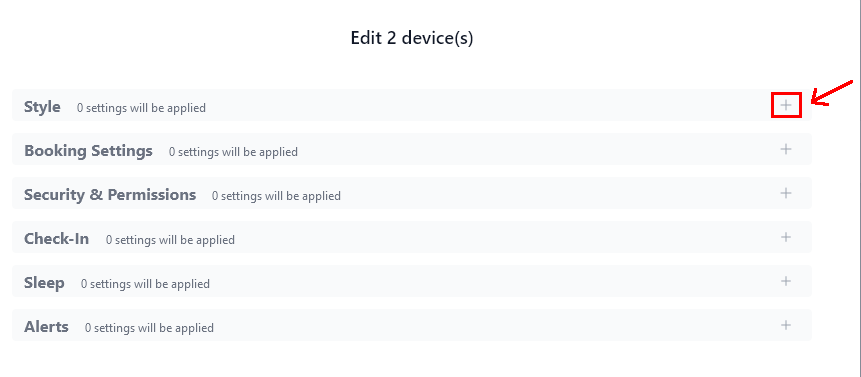
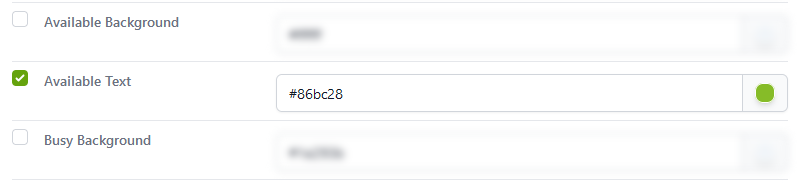
- A setting will only be applied if you enable the checkbox on the left side next to it.
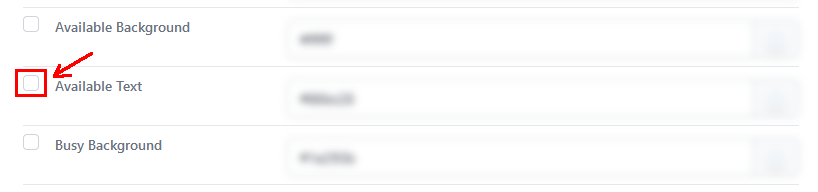
- After enabling a setting, it will no longer be blurred, and you can then make changes to it.
- After making changes to the settings, click on
Apply. You will only be able to apply settings if you have selected at least one setting to apply. The saved settings will sync with the selected devices within 2 minutes.
Settings Glossary
For a full list of all available settings, please refer to the Settings Glossary