
Remove devices
If you no longer need a device, or if you would like to configure it again, you need to remove it from your account.
- Open a web browser (on a computer) and Log in to your Fishbowl account.
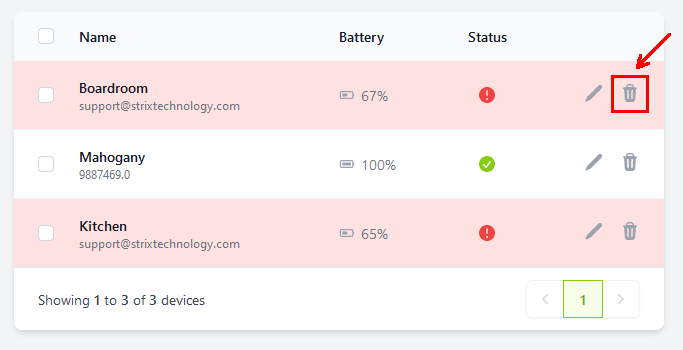
- After signing in, you will see a list of all your linked devices. Click on the trash can icon next to a device.
- A confirmation dialog will be shown. Ensure that it is the device that you would like to delete, then toggle the confirmation and click on
Delete device.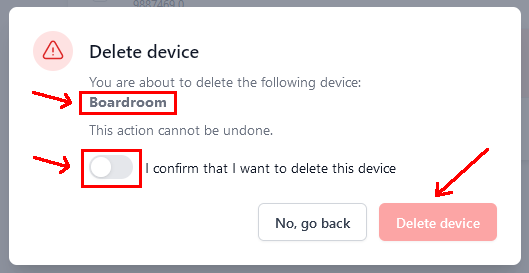
Deleting multiple
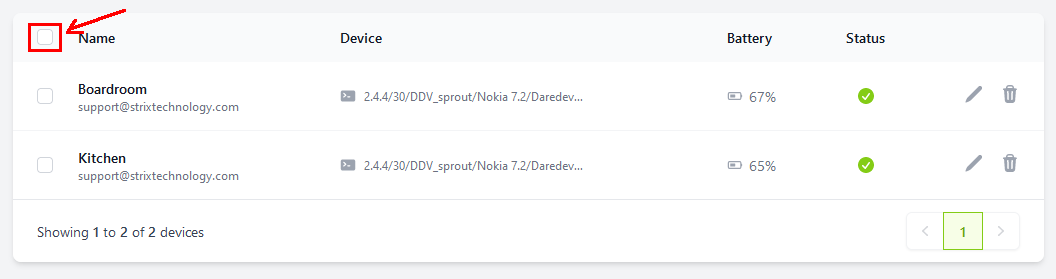
- Click on the empty checkbox in the top left corner to select all, or select individual devices by checking their boxes.
- Click on
Delete Selected.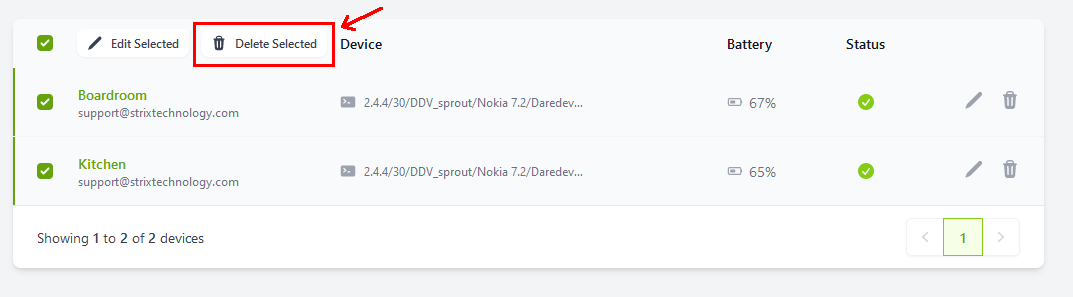
- A confirmation dialog will be shown. Ensure that you have selected the correct devices, then toggle the confirmation and click on
Delete multiple.