Secure Meeting Room Displays
Securely sync your calendars on tablets outside your meeting rooms.
Your confidential meeting data always remains on your premises.
Rated 4.9 and trusted by 300+ companies worldwide.
Securely sync your calendars on tablets outside your meeting rooms.
Your confidential meeting data always remains on your premises.
Trusted by 300+ organizations in over 50 countries worldwide


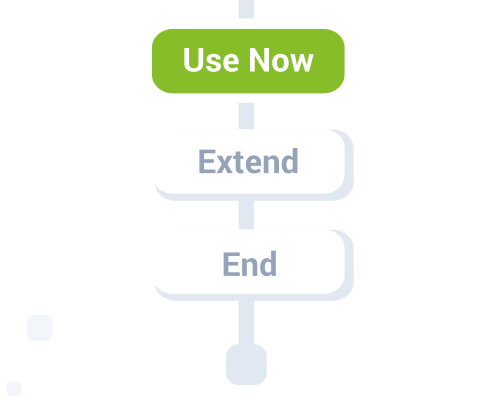
Configure your displays to improve your meeting room booking workflow.

Organizers need to check-in when their meetings start. The current meeting is automatically ended if nobody checks in.
If enabled, Fishbowl can cancel a recurring event if check-in is missed a number of times.
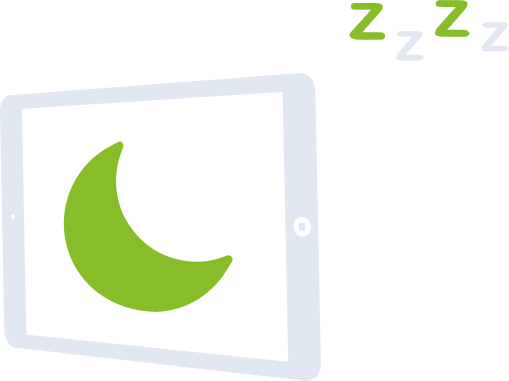
Set your tablets to automatically save power overnight and on weekends.
* Available on Android only, due to iOS limitations.

Choose a layout, set your logo, and pick your color scheme.
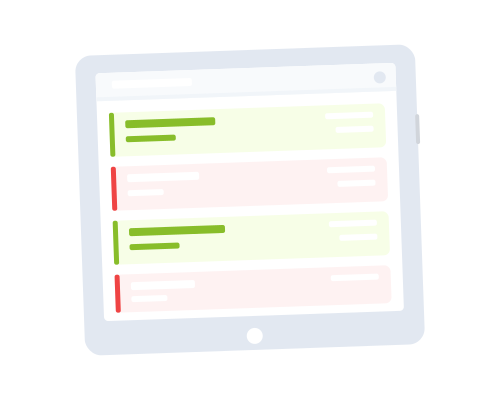
Show the availability of multiple rooms on a single screen. Place a TV at a building entrance or hallway to give people an overview of all meeting rooms at a glance.
Included at no additional cost on all Premium plans.
* Certain features are limited to the Premium plan only.
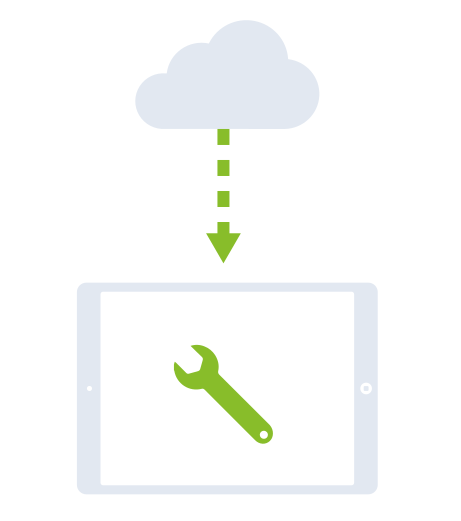
Manage all your meeting room displays from a single dashboard. Link your tablets, configure them in bulk, and reuse blueprints.
On modern Android devices, scan a single QR code to set up and link a display in one step.
On any tablet (Android, iPad, or Amazon Fire), install Fishbowl and enter the pairing code it shows into your dashboard. Add as many as you like in one session.
Set your calendar, branding, booking rules, and display settings once, then apply them to every device you just linked.
For displays that are already live, select any group and push a setting change to all of them at once.
Save a device's settings as a blueprint and reuse it the next time you add displays.
Apply a blueprint as-is, or use it as a starting point and adjust. Fishbowl saves one automatically each time you finish setup.
Calendar credentials such as app secrets, Exchange passwords, and service-account keys are encrypted in your browser using each device's public key. The server never sees the plaintext.
Share one set across devices or use different credentials per device. Alternatively, use OAuth and sign in on the device, so no secrets are entered in the dashboard at all.
Rolling out meeting room displays across an entire office on modern Android tablets? Generate one QR code and scan it on each factory-reset device. Fishbowl installs, kiosk mode activates, and each device links to your account automatically.
Generate a QR code from the dashboard, and add your Wi-Fi credentials so each device gets online on its own. Leave the room name empty and one QR works for every device.
Scan it on each factory-reset device. It joins your Wi-Fi, installs Fishbowl, and links to your account.
Kiosk mode is set up automatically. Each device locks to Fishbowl and relaunches it on restart, so the screen always shows the room display.
Configure once, apply to all. Set your calendar, branding, and other settings in the wizard, and they apply to every device you just linked.
Scan to provision and link
Purpose-built room panels offer Power over Ethernet, built-in kiosk mode, LED status lights that show room availability at a glance, and easy wall mounting via standard VESA brackets.
| Display | 10.1" IPS, 1280 x 800, 350 nits |
| Touch | 10-point capacitive multi-touch |
| OS | Android 13 |
| Power | PoE+ (IEEE 802.3at) or DC 12V |
| LED | Side and top LED strips |
| Connectivity | Wi-Fi, Bluetooth 5.0, Ethernet, NFC |
| Mounting | VESA 75x75 |
Also compatible with Philips 10BDL4551T, 10BDL4151T, and 10BDL3051T.
| Display | 10.1" IPS, 1280 x 800, 400 nits |
| Touch | 10-point capacitive multi-touch |
| OS | Android 7.1 |
| Power | PoE (IEEE 802.3af) |
| LED | Side LED strips |
| Connectivity | Wi-Fi, Ethernet, NFC, RFID |
| Mounting | VESA 75x75 |
Fishbowl also works on standard Android tablets, iPads, and Amazon Fire devices.
Compatible with most Android, iOS, and Amazon Fire devices.



The Fishbowl tablet app is extremely simple to setup and use.
It has seamlessly integrated onto our email platform and works well on our meeting room scheduler.
Rolled out of this app on all of our ten meeting room tablets and the feedback from users has been fantastic.
The Fishbowl team have been very supportive and responsive every step of the way. I would highly recommend this app if you are looking for a solution to manage your meeting rooms.
Amazing! Intuitive software and extremely helpful team.
We are a coworking space with 60 startups and use Fishbowl for every meeting room.
Pay per device. Cancel at any time.
$10/month
per device
The essentials to add a secure display outside your meeting rooms.
$14/month
per device
Advanced features to streamline your meeting room management.